
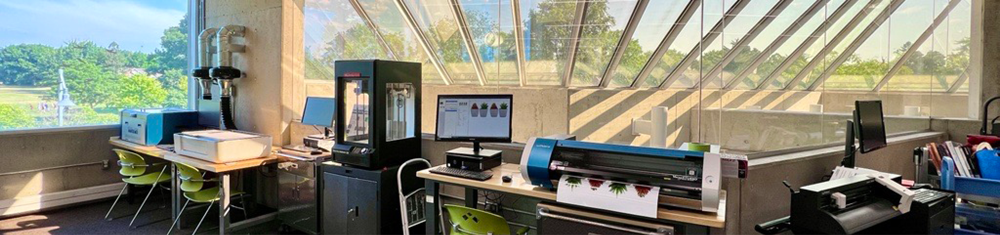
MakerSpace is a self-guided, small-scale do-it-yourself creative studio where you can create designs and use equipment to complete your projects.
Please read the equipment information and user guides to help support your project planning and creation. We also offer free introductory sessions on how to use the equipment.
Safety is our top priority, and we ask you to follow the directions provided by our staff when using the tools, technology, equipment, and space.
Using MakerSpace
There are two ways to use BPL’s MakerSpace based on your skill level and familiarity with the equipment.
All Levels Access
Open to everyone, from beginners to advanced users. Library staff will provide general guidance, equipment orientation, and technical troubleshooting support. Projects are self-directed. Customers design and make their own items—staff do not provide design or production services.
Experienced Access
For advanced, self-directed users who can design and use equipment without staff help. Staff will answer booking questions, provide materials, and accept payment, but not give project support during these hours. Makers must check in with 3rd floor staff to access the space and purchase supplies. Staff may ask for your library card to confirm your booking.
Hours & Location
MakerSpace is located in Central Branch on the 3rd floor. Unless otherwise indicated, the hours are:
Monday: 10am–2pm (Experienced), 2pm–4:30pm (All Levels)
Tuesday: 10am–2pm (Experienced), 2pm–8:30pm (All Levels)
Wednesday: 10am–2pm (Experienced), 2pm–8:30pm (All Levels)
Thursday: 10am–8:30pm (All Levels)
Friday: 2pm–4:30pm (Experienced), 10am–2pm (All Levels)
Saturday: 10am–4:30pm (All Levels)
Sunday: CLOSED
How It Works
- Prepare your ideas and design files before you visit. Review the design specifications for the equipment and prepare your design file before you come to the branch.
- Book time online with maker equipment. The equipment is free to use but must be booked in advance using our online booking form. You’ll need to read and agree to the MakerSpace Terms of Use and Waiver before booking and using the space.
- Visit staff at the service desk to get started. You’ll need to purchase any necessary materials and receive instructional materials to review.
You will need to purchase some materials from BPL, such as vinyl or button materials. We only charge for materials at cost. For sewing/embroidery/serger machines, makers need to bring their own suitable fabric.
Using MakerSpace, Booking & Cancelling
Important Visitor Information
- You need a library card to make a booking. It’s easy to sign up, and you can join the library online or in person at any of our branches.
- The equipment may be booked and used by makers ages 12 and older who are able to use it on their own.
- Children under 12 must be with and supervised by an adult while in the space.
- Drinks must be in a spill-proof container; food is not permitted in the space.
- BPL’s Customer Experience Standards and Technology Use Policy apply when using library spaces, services, and equipment.
Booking Equipment
- Bookings can be made up to 14 days in advance.
- Due to high demand, weekly booking limits apply:
- You can book up to six hours (360 minutes) per piece of equipment each week (from Monday to Saturday), except:
- The embroidery machine may be booked for up to four hours (240 minutes) each week.
- The laser cutter, vinyl printer, and vinyl cutter may each be booked up to 120 minutes per day for a maximum of 360 minutes per week.
- You can book up to six hours (360 minutes) per piece of equipment each week (from Monday to Saturday), except:
If the equipment is available, walk-in projects are possible on a first-come, first-served basis.
Cancellations
- You can cancel or change your booking through the Library’s Manage Your Room Reservations site.
- Changes to a booking can only be made by cancelling the original booking and submitting a new request. Once a booking has started, it cannot be cancelled.
- If you do not use the space during your booked time and do not cancel your booking, it will be deducted from the weekly booking limit.
- The Library reserves the right to cancel a booking if the customer does not comply with the terms of use.
Equipment & User Guides
If you have questions about using MakerSpace, please read our Frequently Asked Questions, contact us online, or call us during open hours at 905.639.3611.
3D Printer
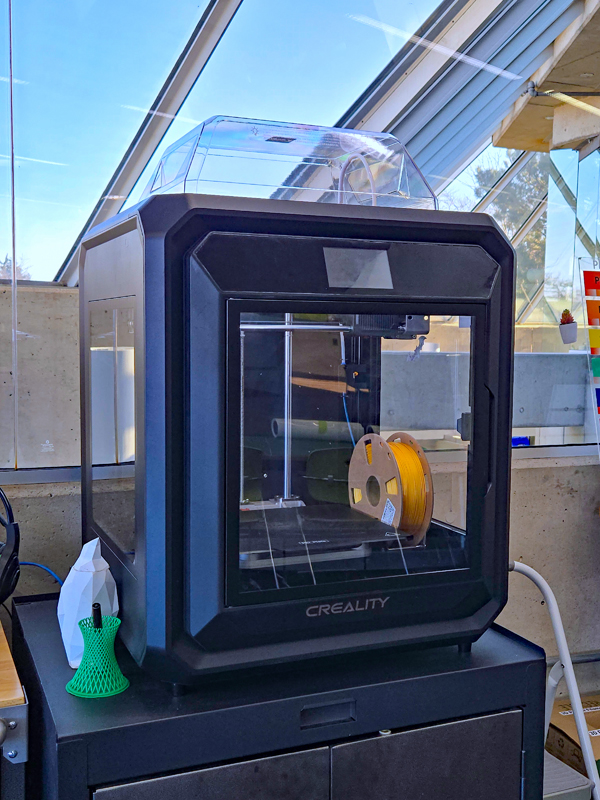
This equipment is not bookable.
Print three-dimensional objects from your digital designs.
Hardware: Creality Sermoon D3
Please make sure your design is in one of the following file formats: .STL, .OBJ
Project size:
- Maximum size: 12 × 10 × 12 (L × H × W)
- The project must be able to print in seven hours.
Production cost: $1.25 per 15 minutes of print time
3D printing cost quotes: Please drop off your 3D design on a USB key. MakerSpace staff will estimate the cost of the job and then contact you when your project is complete and ready for pickup.
Materials: BPL provides the filament. We cannot accommodate requests for specific filament colours, nor can users supply their own.
Project ideas: Key chains, jewelry, replacement parts, action figures, ornaments
Learning Links
Button Maker
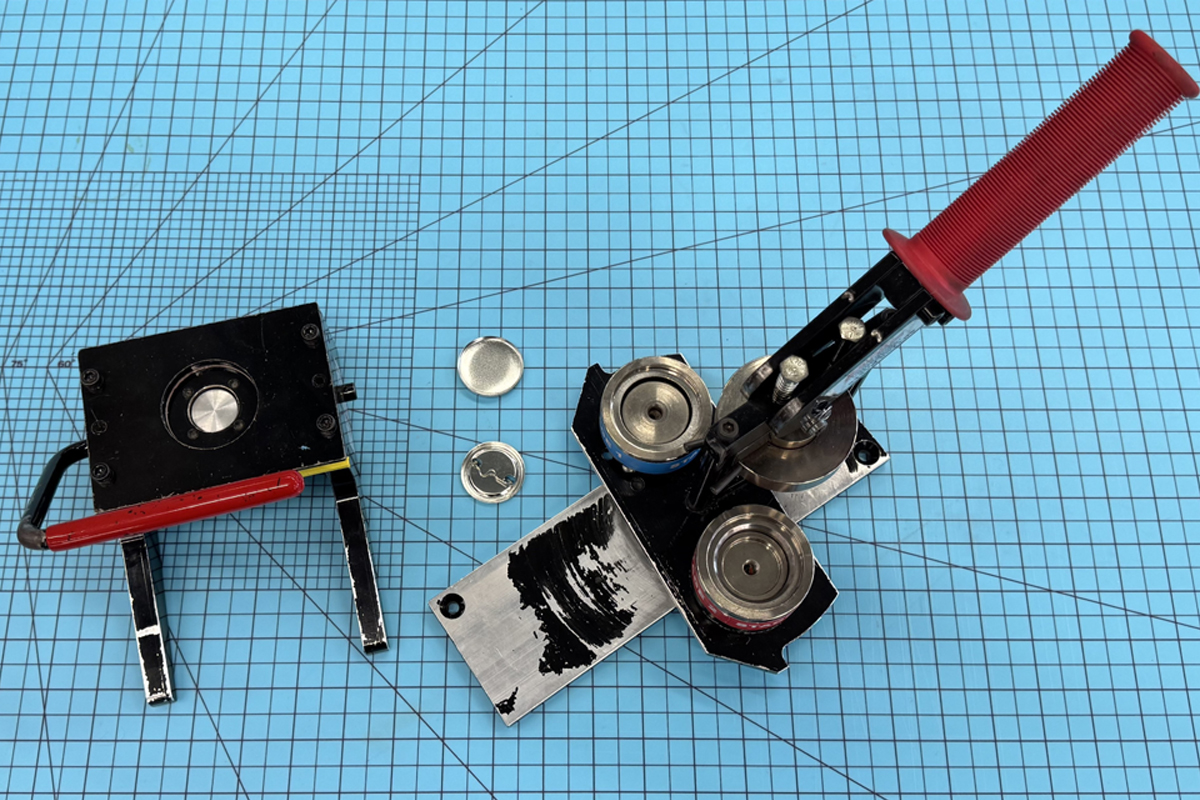
Create customized 1.5” buttons. Draw or print your designs at home or in the library. Use the die cutter to punch out your design, and then assemble your button using the button maker. No experience is necessary.
Project size:
- Button size: 1.5-inch diameter
- See the Button Template for cut lines and bleed line recommendations (or the template for multiple buttons)
Materials must be purchased from BPL.
Materials cost (includes tax):
- Pin-back button: 25 cents per button
- Magnet-back button: 80 cents per button
Project ideas: Custom-designed buttons, magnets, name tags, school club pins
Learning Links
Computer
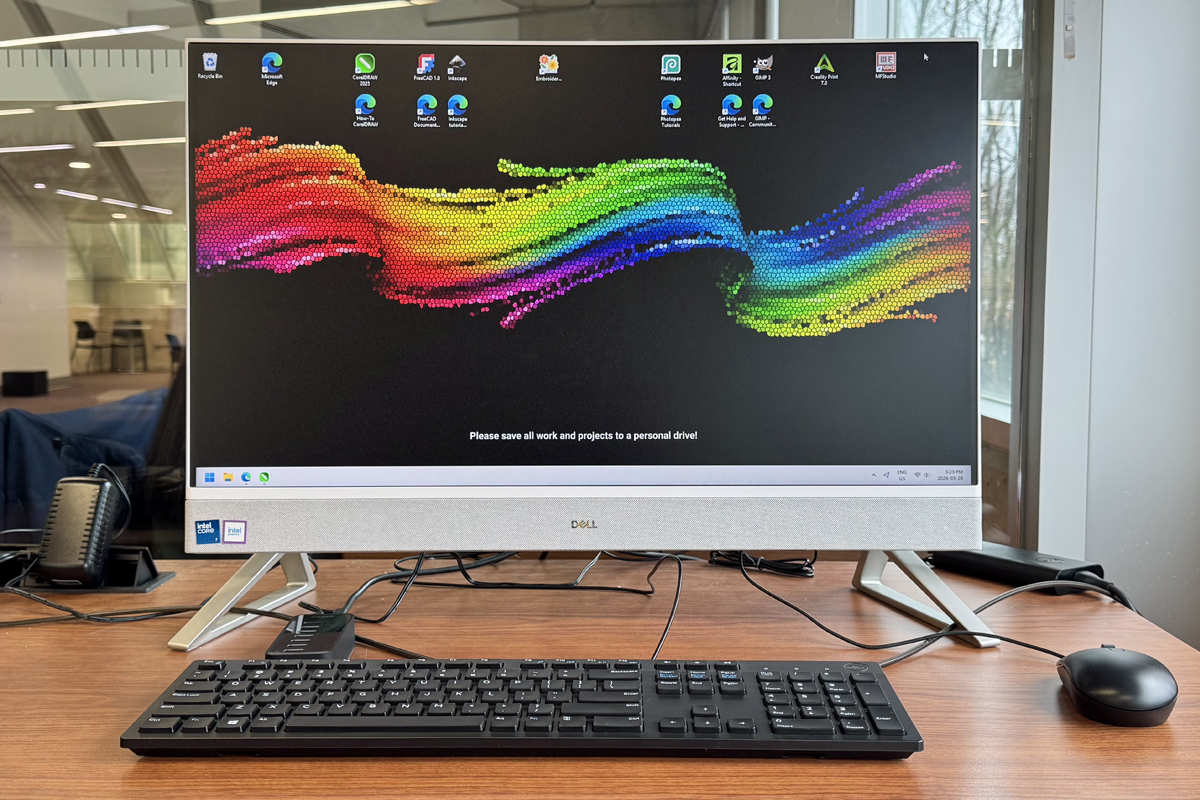
Prepare designs and develop ideas using a desktop computer loaded with a variety of design software.
Book time on a computer to design your project, so you can maximize production time when you're ready to use MakerSpace equipment.
Hardware: Dell
Software: CorelDraw 2025, Affinity by Canva, Creality Slicer, Inkscape, Gimp, and more.
Learning Links
Embroidery Machine
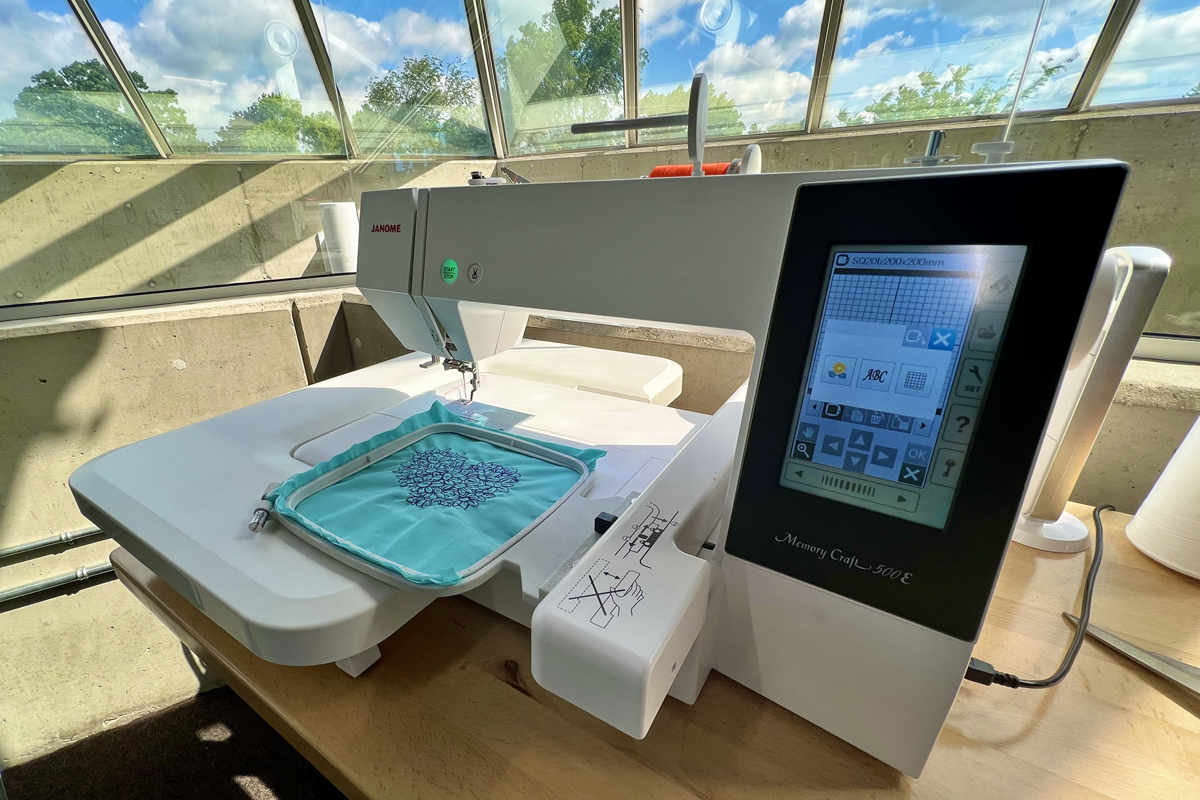
Add decorative stitched designs on clothing, décor, and other textile items using an embroidery machine.
Hardware: Janome Memory Craft 550E
Software: Hatch Embroidery 3 Digitizer
Maximum embroidery size: 7.9 × 11 inches
Production cost: $2.00 for every 5,000 stitches (or part thereof)
We supply embroidery thread in a variety of colours.
You must supply your own fabric for embroidery machine projects. Acceptable fabrics for embroidery machine projects are:
- Natural fibres (cotton, linen, wool)
- Fine fabrics (silk, satin, taffeta, velvet)
- Knit fabrics
- Synthetic fabrics (blends, rayon, polyester)
- Denim
- Upholstery
Learning Links
BPL Janome Digitizer MBX Guide (software)
Large Format Printer & Scanner
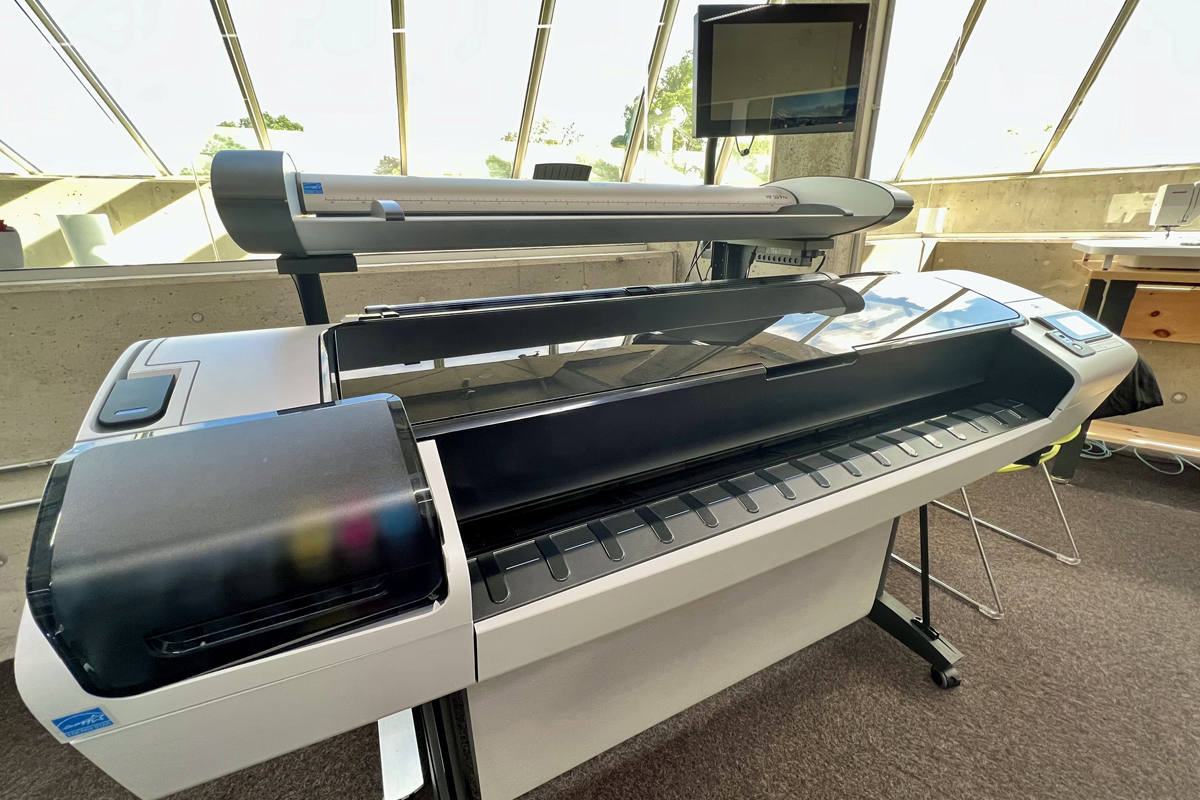
Print or scan posters, maps, blueprints, and other large, flat paper documents.
Hardware: HP Designjet T1300
All designs are sent to the printer via USB key. Please ensure your finished design is saved as a PDF.
Maximum project size: 41.5 inches wide
Materials cost (includes tax):
- Gloss or satin photo paper = $13.55 per foot
- Universal bond paper = $2.50 per foot
Learning Links
Laser Cutter
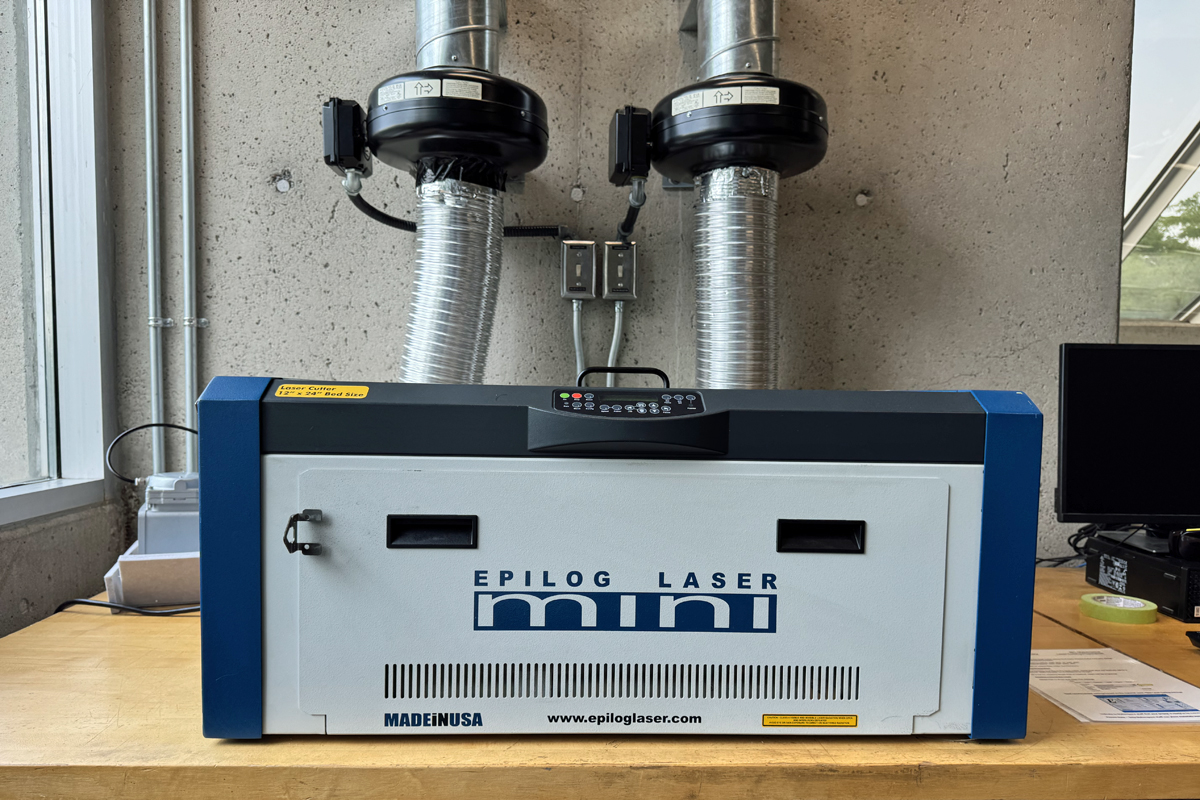
The laser cutter is available only during All Levels Access time slots.
Create precise cuts and engravings on materials such as wood, glass, acrylic, and leather.
Hardware: Epilog Mini Helix 24 - 40w CO2 laser
All designs are sent to the laser cutter using CorelDraw. Please make sure your design is in one of the following file formats:
- For projects requiring cutting: .PDF (vector-based), .CDR, .AI, .DXF, .SVG
- For engraving-only projects: .PDF, .PNG, .JPG
Project size:
- Cutting bed size: 12 × 24 inches
- Maximum cutting thickness: 1/4 inch
Production cost: $5.00 for every 30 minutes of laser cutting time
Materials cost (includes tax):
- 1/8-inch birch plywood (1 × 2 feet) = $9.75
- 3mm acrylic: black, white, and clear (1 × 2 feet) = $15.00
- Note: Clear acrylic is OUT OF STOCK
You can supply your own materials for our laser cutter if they meet BPL's Approved Materials for Laser Cutter Projects requirements.
Learning Links
Serger
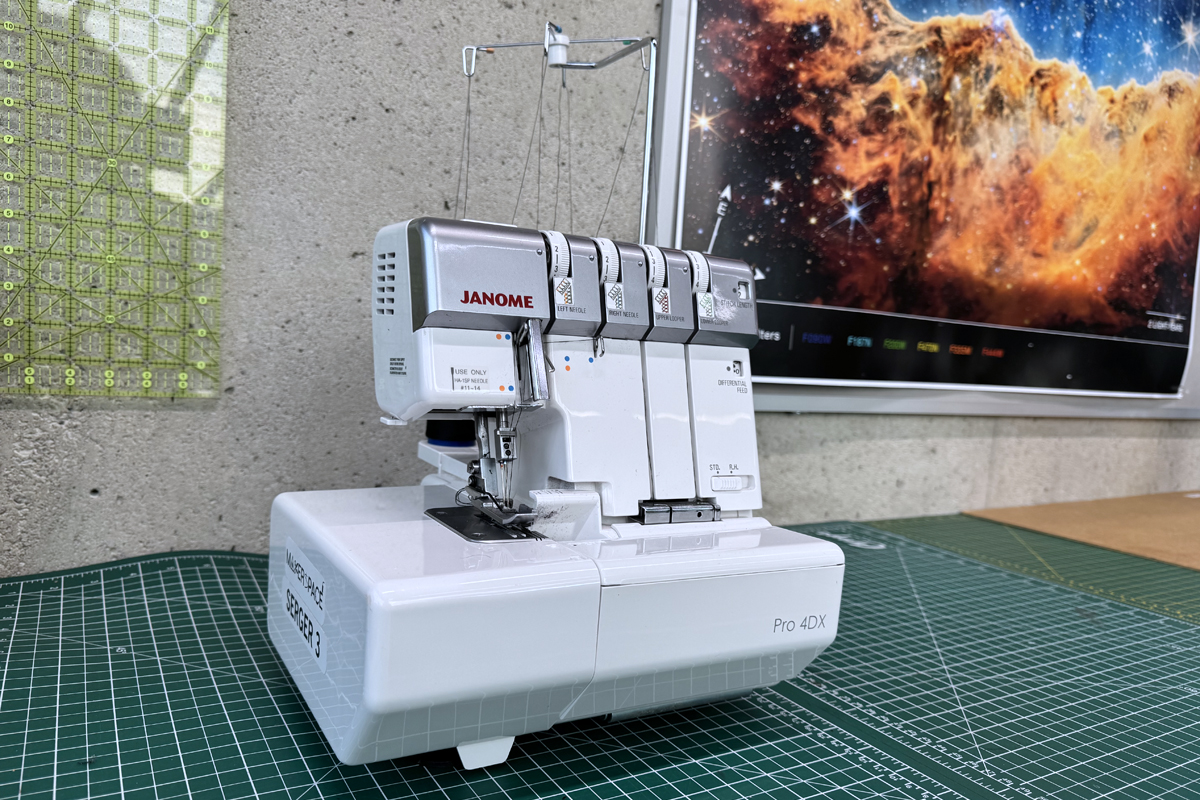
A four-needle serger that can be used to finish your fabric edges in one step for strong, neat seams.
Hardware: Janome
Materials:
- You must supply your own fabric.
- White or black thread is provided free of charge.
Learning Links
Sewing Machine
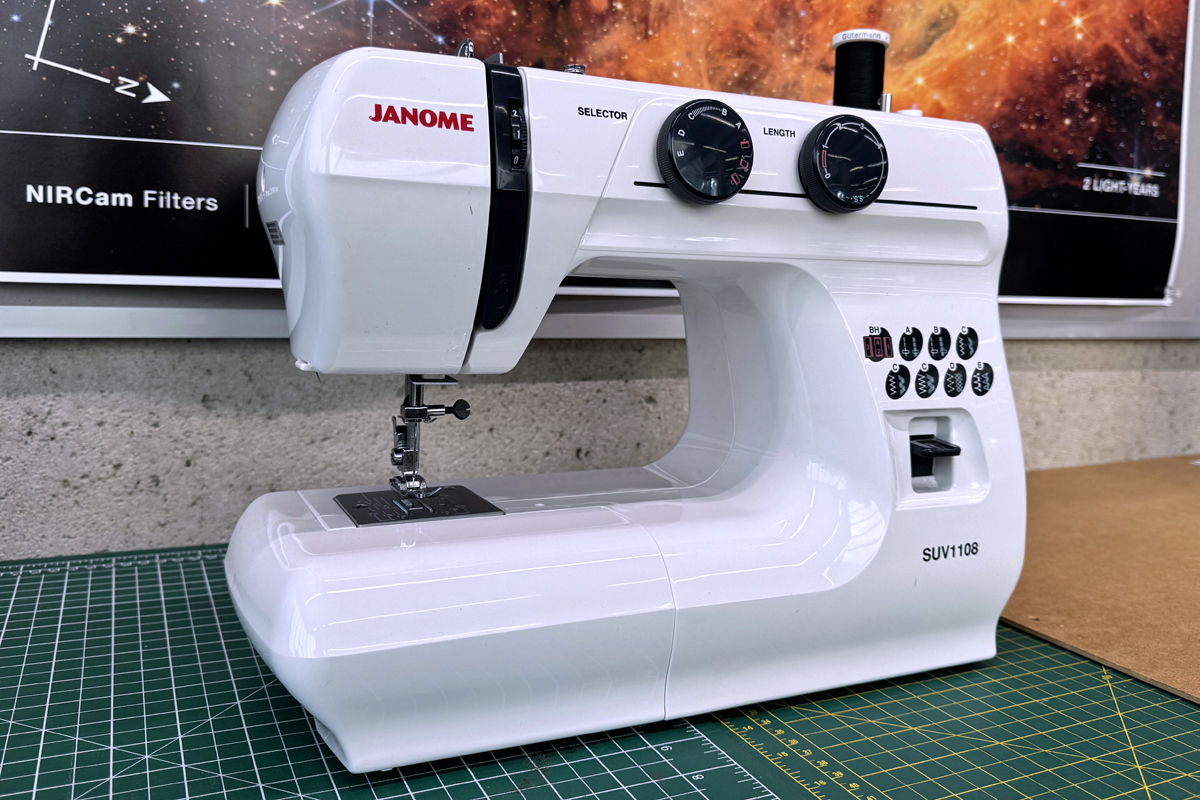
Stitch, mend, or craft with fabric and thread using a single-stitch electric sewing machine.
Hardware: Janome SUV1108
Materials:
- You must supply your own fabric.
- White or black thread is provided free of charge.
Project Ideas: Tote bags, scrunchies, pouches, pajama pants, dish towels, stuffies, throw pillows
Learning Links
Vinyl Cutter
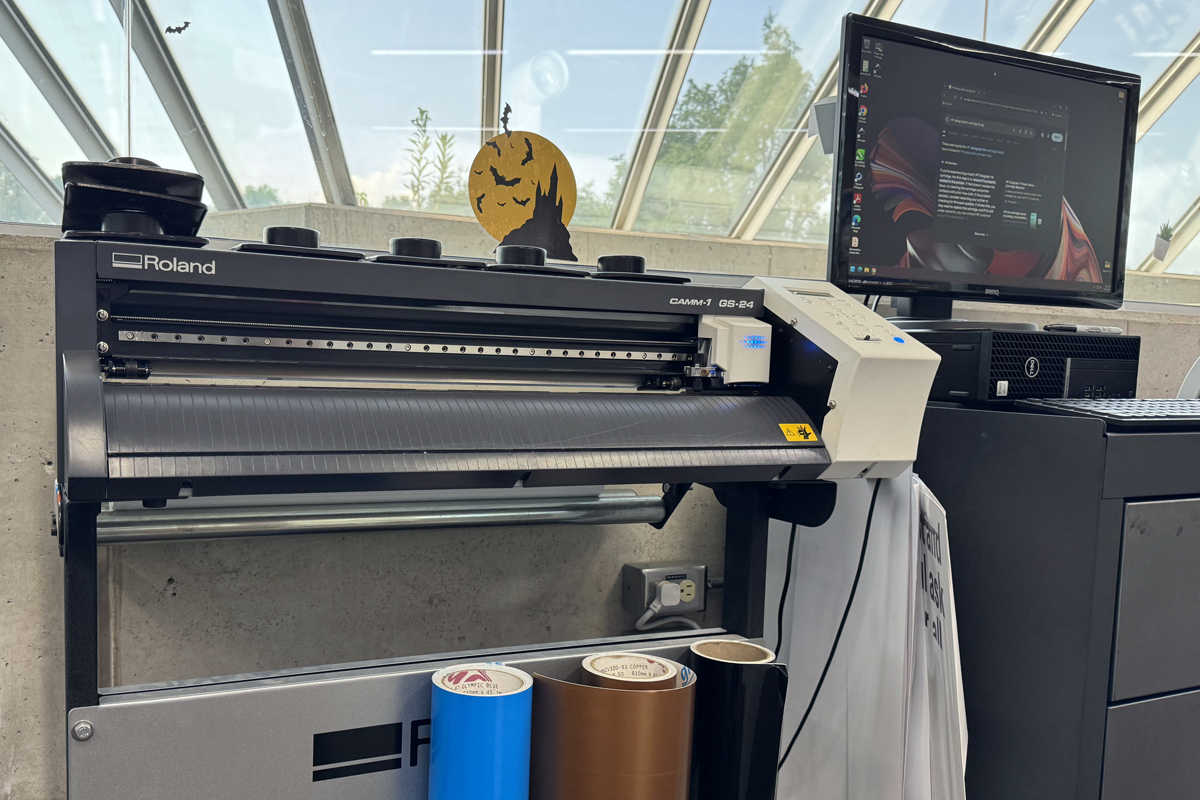
Cut vinyl into custom shapes and designs for decals, signs, vehicle graphics, and information panels. Similar to a Cricut but designed for larger-scale projects. For heat-transfer material, please book the vinyl printer.
Hardware: Roland GS-24 Vinyl Cutter
All designs are sent to the laser cutter using CorelDraw. Please make sure your design is in one of the following file formats:
- PDF, .CDR, .AI, .SVG
Maximum project size: 22 inches wide
Materials must be purchased from BPL. You cannot use your own materials.
Materials cost (includes tax):
- black, white, blue, silver = $2.50 per foot (length)
Learning Links
Vinyl Printer
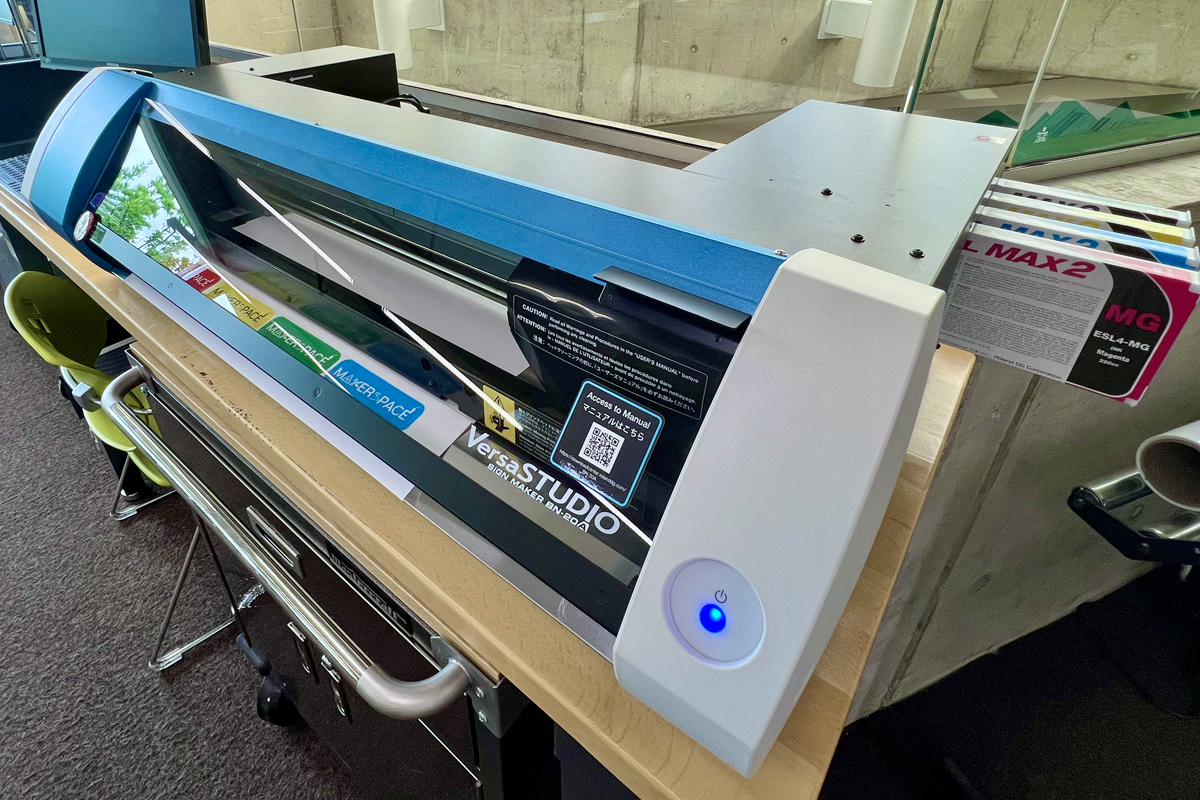
Create durable, high-quality signs, banners, stickers, posters, graphics, heat transfer for fabric, and more on printable vinyl sheets.
Hardware: Roland BN-20 Vinyl Printer
All designs are sent to the vinyl cutter using CorelDraw and VersaWorks. Please make sure your design is in one of the following file formats:
- PDF, .CDR, .AI, .SVG
Maximum project size: 18 inches wide
Materials must be purchased from BPL. You cannot use your own materials.
Materials cost (includes tax):
- Printing & Cutting:
- Permanent vinyl (matte or glossy) = $4.50 per foot (length)
- Static cling vinyl (white or clear) = $4.50 per foot (length)
- Wall flair vinyl = $5.50 per foot (length)
- Paper adhesive sticker = $5.50 per foot (length)
- Canvas for printing = $8.00 per foot (length)
- Heat transfer vinyl for printing = $11.75 per foot (length)
- 50 cents per 12 × 12-inch sheet of cardstock (only for use on the Cricut)