Lists, Ratings, Reviews & More!
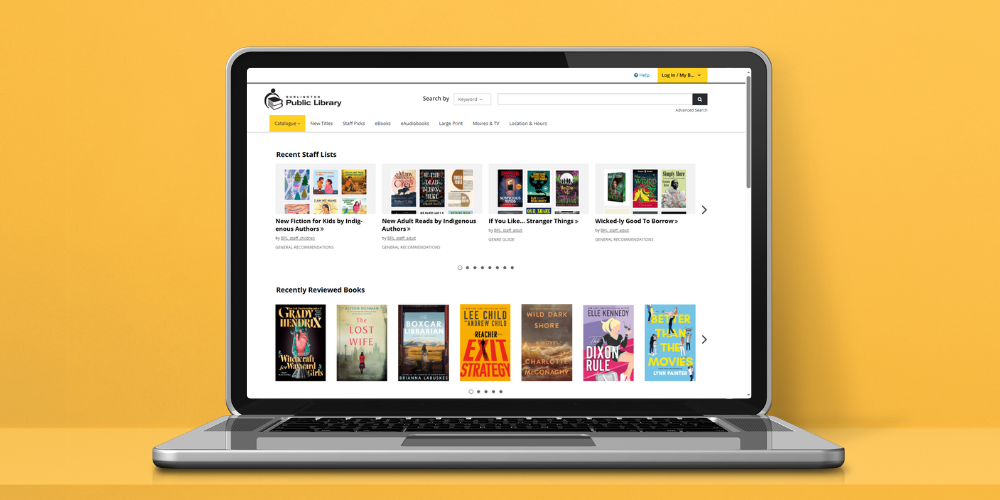
You probably use our catalogue to search for books, movies, music, and more—but have you ever explored the Catalogue tab in the top menu of our website? It leads to our online catalogue home page—and a whole world of extra features you might not know about, including staff-curated booklists, customer-created lists, ratings, and reviews. Ready to explore?
Tour the Catalogue Home Page
From fresh booklists to trending reviews, here’s what you’ll find.
Recent Lists
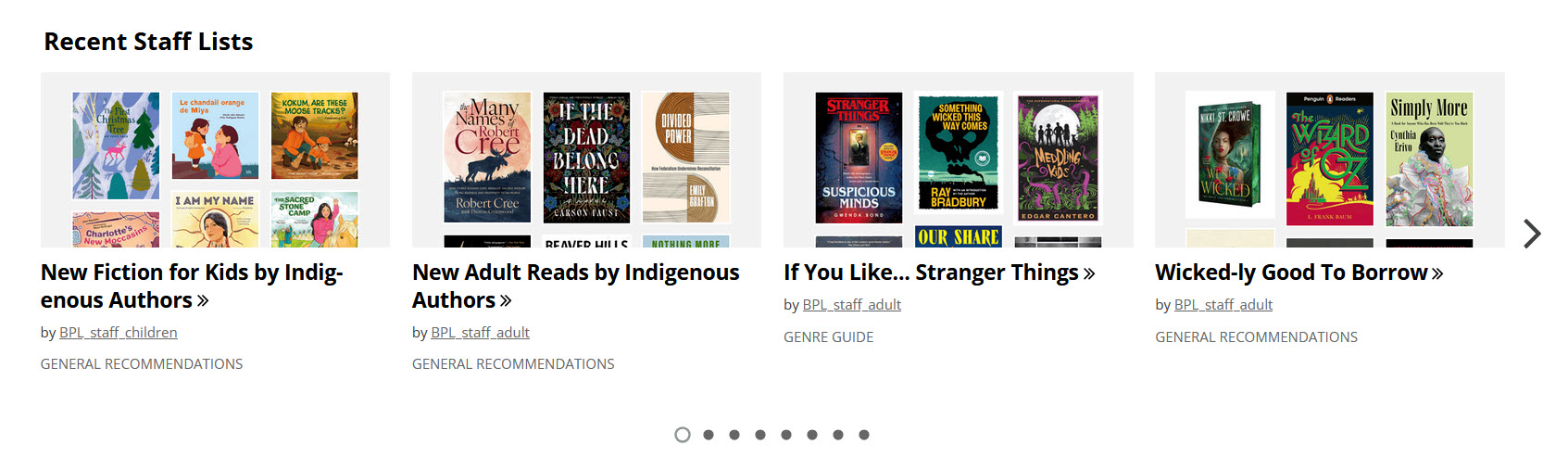
We’re always working behind the scenes to create new and exciting booklists for both learning and leisure reading. BPL staff focus on creating booklists for kids, teens, and adults that highlight significant dates in the world, trending topics, and themes that are interesting and beneficial. Check out a list to find a new read to enjoy!
Keep scrolling down the catalogue home page to find a “Recent Lists” section. Here you’ll discover customer-curated lists, as well as staff lists. You can tell who the author of the list is by the username. Staff lists include “BPL_staff” in the username, while customer lists do not.
People are always looking for their next best read, so we love it when customers create lists to complement staff picks. One popular customer trend is to create a “What I Read in... ” list each month so that you can follow along on a user’s monthly reading journey.
So, how about sharing your favourites with the huge network of libraries around the globe powered by our catalogue provider, BiblioCommons? Make it a New Year’s resolution to spread the word about the books, movies, and music you enjoyed and highly recommend to others. It’s simple to create a list; here’s how.
To Create a List:
- Log in to your My BPL account with your 14-digit library card number or username and your 4-digit PIN.
- Click on your username in the top right-hand corner and select “Lists.”
- My Lists will display your Drafts and Published Lists.
- Click “Create a New List” to create a list.
- Choose from the “Guides and Recommendations” template for general or themed suggestions, or the “If You Like...” template for books related to another book (example: If You Like... Louise Penny).
- Add a title and brief description for the list. To add items, click “Add items to this list” to search the catalogue and add your desired format. Add a brief annotation for each book added.
- To publish your list, click “Finished Editing” and “Everyone” to publish your list to the BPL site.
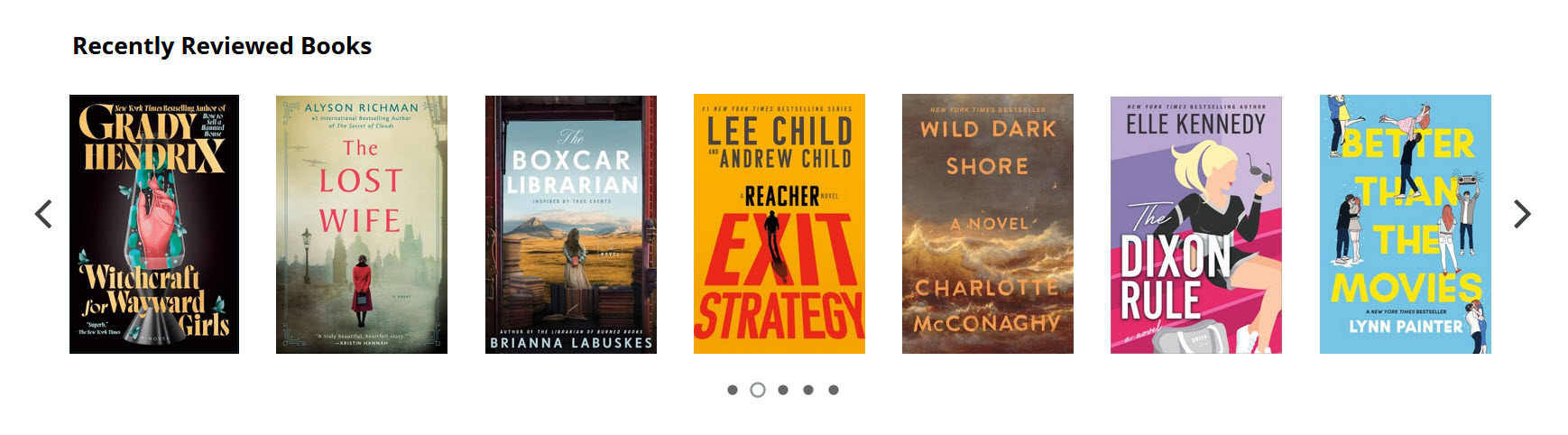
Recently Reviewed Books, DVDs & Music
This section spotlights recently reviewed books, DVDs, and CDs. These ratings are by library users like you and are a great way to check out opinions on an item before borrowing it yourself. Take a look at some reviews and add your own!
Easy Steps to Adding Your Review:
- Log in to your My BPL account with your 14-digit library card number or username and your 4-digit PIN.
- Search for the item you would like to review in the catalogue search bar.
- Click the item in the catalogue to display the full description.
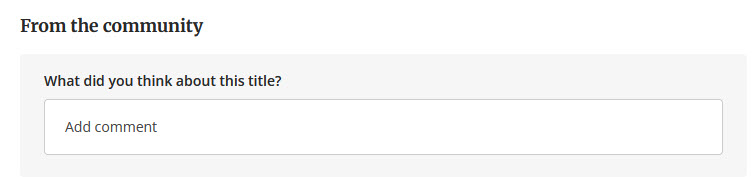
- Scroll down to the Opinion section to the box that asks “What did you think about this title?”
- Click on the text box to type your review and click “Post comment” to submit your review.
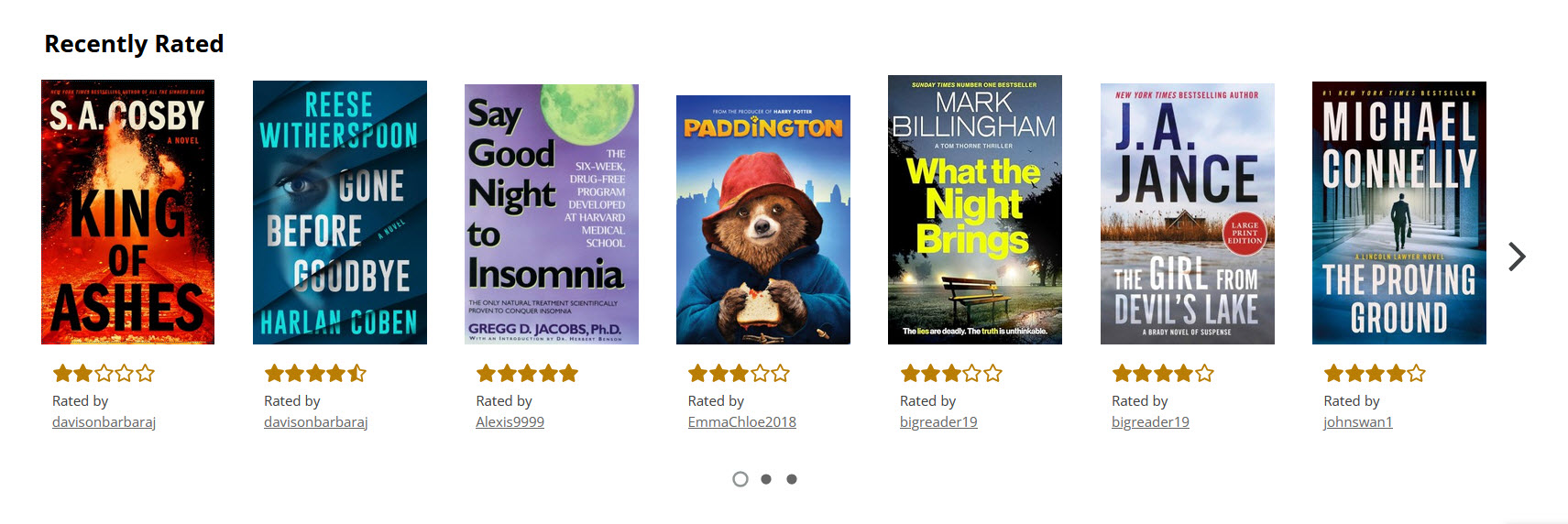
Recently Rated
A star rating is a great snapshot of how people are feeling about an item. You will notice the average rating below the author’s last name when searching for an item in the catalogue. This is our very own library rating system, without having to use a book-tracking app like Goodreads.
When you select an item in our catalogue and scroll down, you will see the “Opinion” section for each item. This will show reviews from book critics, as well as “From the community.” Some reviews contain both star ratings and reviews.
To Add a Rating:
- Log in to your My BPL account with your 14-digit library card number or username and your 4-digit PIN.
- Search for the item you would like to review in the catalogue search bar and click on the title to view the item’s full information.
- Below the author’s last name and title, you will see available ratings and 5 grey stars. Click “Rate this” and select the number of stars out of 5 to add your rating. This will save your star rating and add the item to your Completed Shelf.
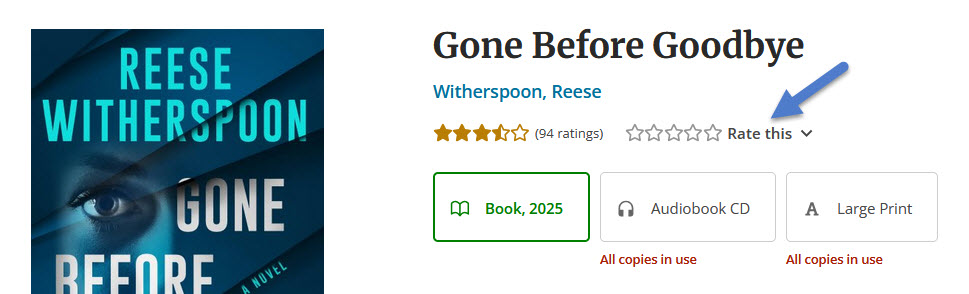
Rating your read is a quick and easy way to share your level of satisfaction with the story with others!
Recent Tags
Scroll to the bottom of the catalogue home page to browse recent tags and see the tags customers are using to categorize items. This will feature the top 10 most recently used tags. You can click a recent tag to browse other items in this tag category.

Once you click on a tag, you will see a curated list of titles in the online catalogue that may interest you.
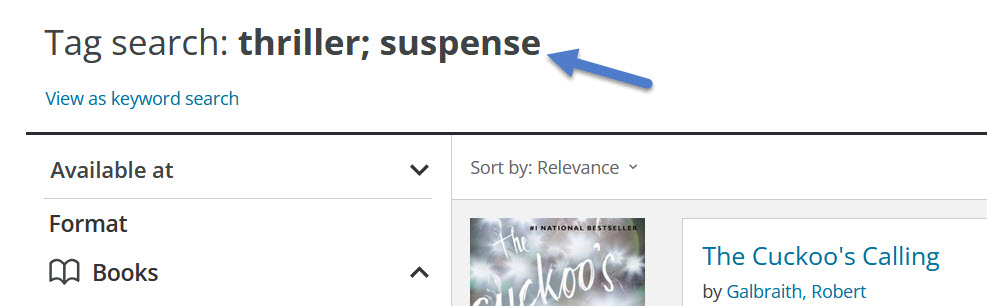
You can also add your own tags. BiblioCommons offers simple step-by-step instructions through their Help site.
Add Your Voice
Take advantage of this useful catalogue feature and be part of a large and engaged community. Your reviews and ratings may help others discover their next great read! Explore what’s trending at BPL and see what other readers are talking about. And while you’re there, try adding your own ratings, reviews, and thoughts on your favourite (or not!) books, movies and TV shows. Happy browsing!
You might also like...
- News & Reviews Article – Genre Fiction Made Simple
- News & Reviews Article – Accessible Formats Show & Tell
- News & Reviews Article – How to Place a Hold